Gemini checks 'left' from View 1's own side and fixes the depth
Passed in 7 tool calls: 4 looks (2 close, at 20 degrees or lower; 0 at 5 degrees), 2 edits or other calls.
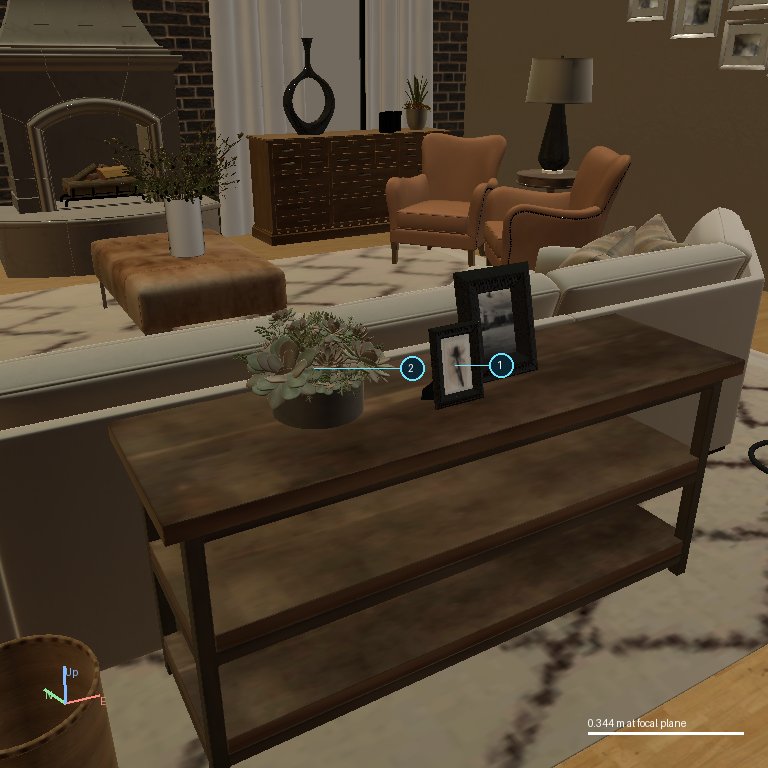
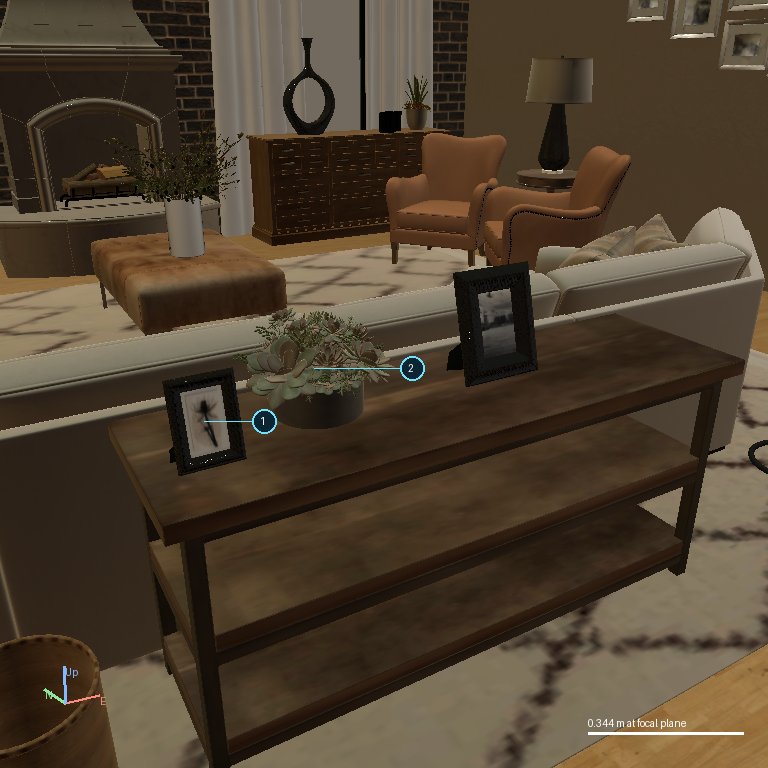
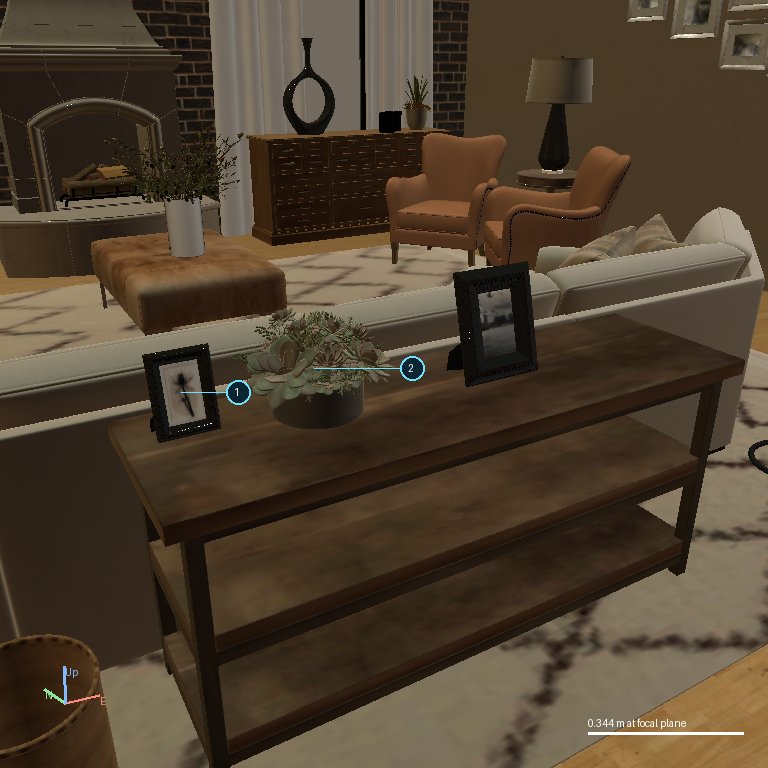
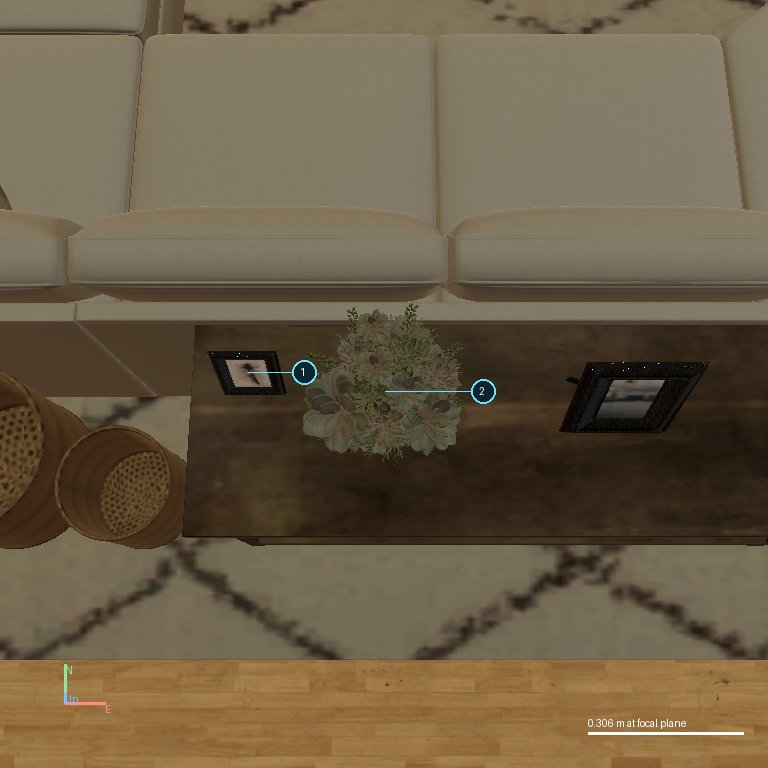
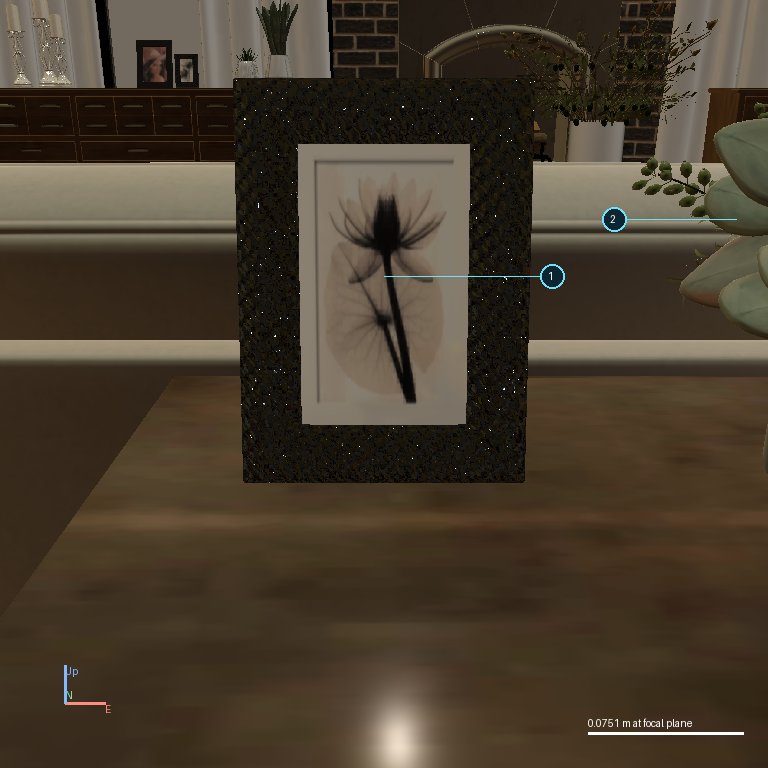
The task: move the small picture frame (1) so it is to the left of the potted plant (2) as seen in View 1. View 1 looks from the south-south-west, so its 'left' points west-north-west, not due west. Gemini picked its views from bearing 180, the same side as View 1. It moved the frame 0.57 m west, and the re-rendered low view showed the frame now left of the plant but closer to the camera. An overhead view from the south confirmed this, so Gemini pushed the frame 0.15 m north to bring it level with the plant, checked once more from the south and finished (22 degrees off View-1 left; the limit is 45). GPT-6, Claude, GPT-5.6 and Kimi all made the same west move of about 0.55 m. They checked from the north or not at all and stopped, ending 52-54 degrees off, so they failed.
Key moments
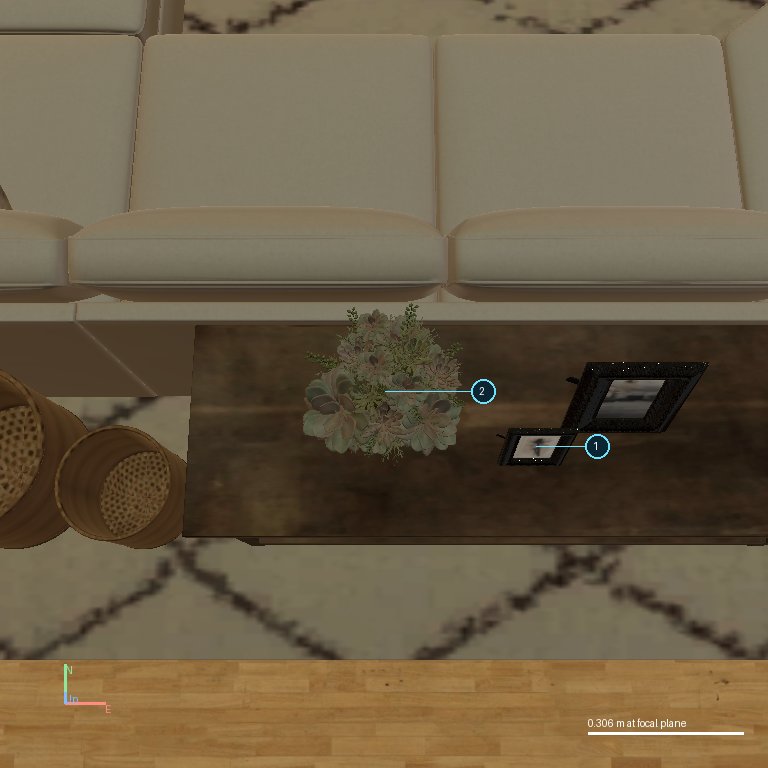
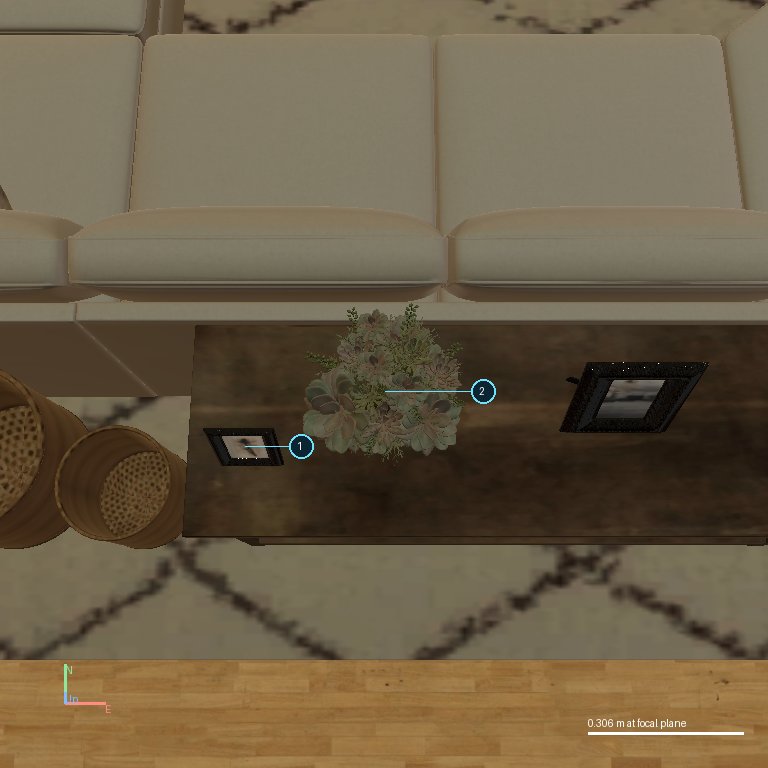
Step 1: Overhead view from bearing 180 (south), the side View 1 is shot from, so left and right in this view match View 1.
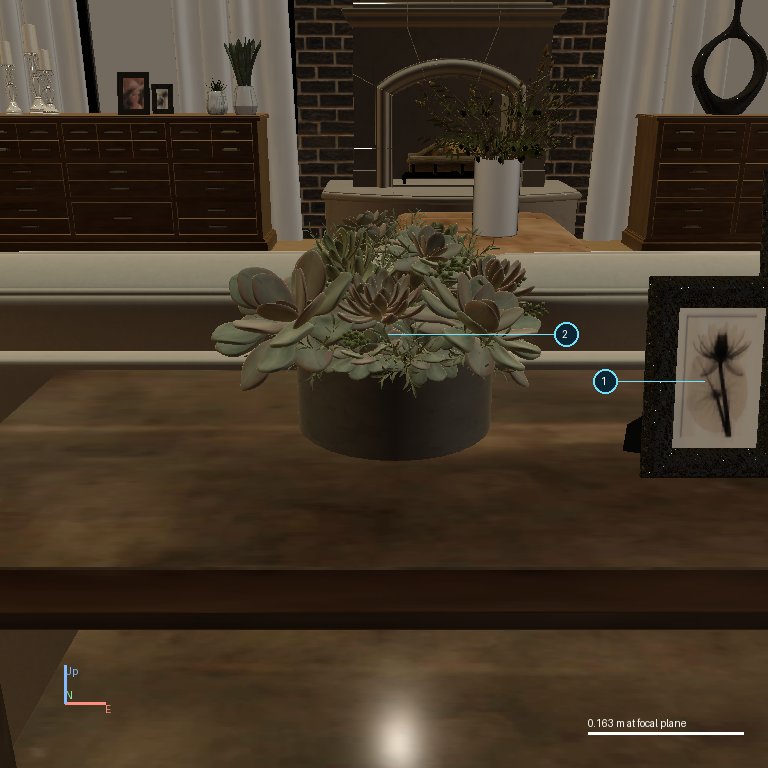
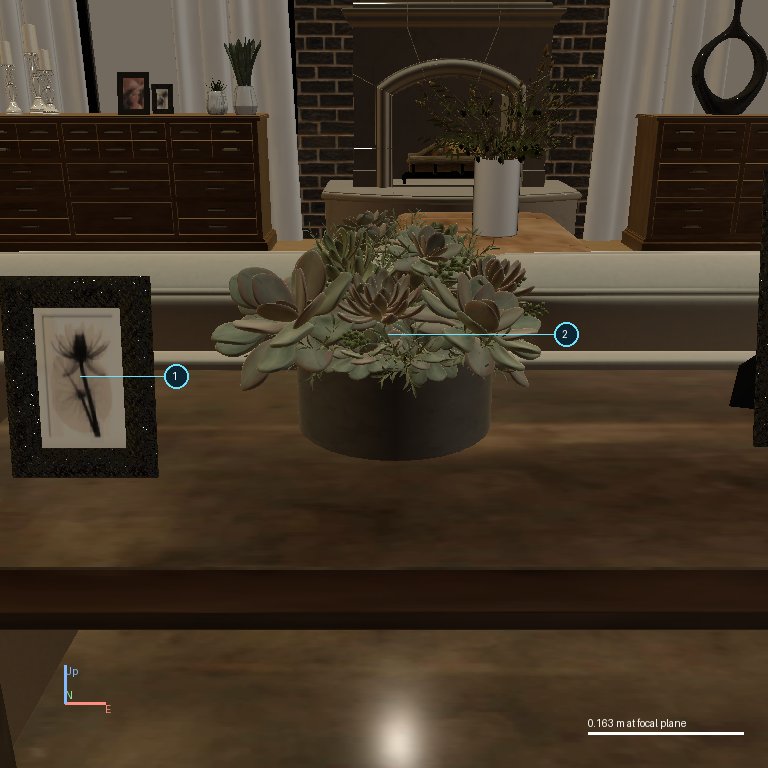
Step 2: Low close view from the same side; it shows the frame to the right of the plant, as in View 1.
Step 3: Moves the frame 0.57 m west. The re-rendered low view now shows it left of the plant but clearly nearer the camera.
Step 4: Instead of finishing, takes an overhead view from the south; it shows the frame sitting south of (in front of) the plant's centre line.
Step 5: Moves the frame 0.15 m north, adding the depth correction that the models which failed never made.
Step 6: Final close check from bearing 180 before stopping.
Step 7: Finishes; the frame is 22 degrees off View-1 left, inside the 45-degree limit.
the instruction
Move the picture frame labelled 1 (object_1) so that it is to the left of the potted plant labelled 2 (object_2), as seen in View 1. Keep it on the counter.
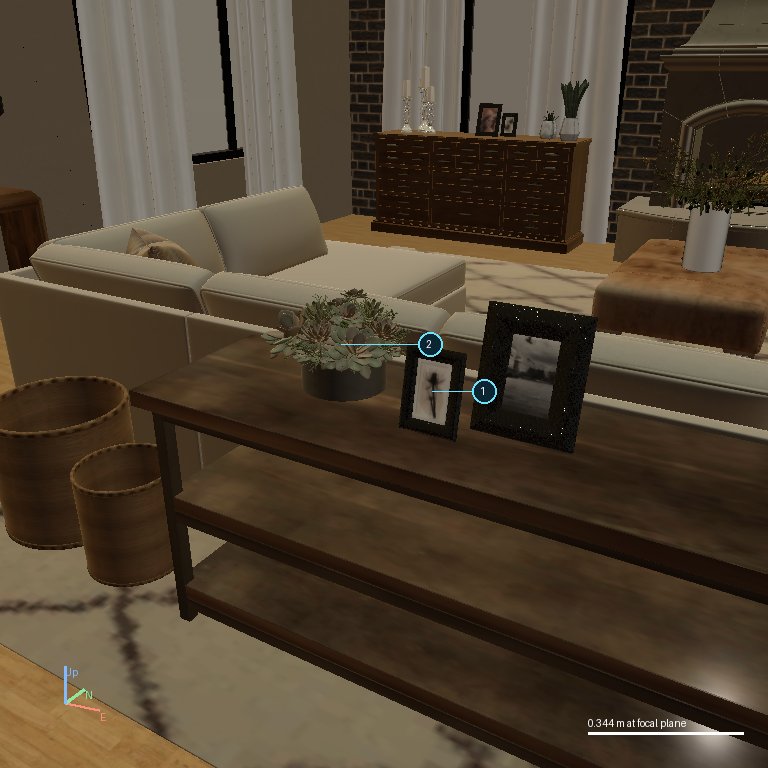
The starting view (what Gemini 4 Argon saw before its first call)
image 1image 2
Every step at a glance (click to jump; key moments are outlined)
n close look, 20 degrees or lowern other lookn edit or other tooln finish / answern key moment
Each box is one tool call. Left: the images that call returned, which are what Gemini 4 Argon looked at before its next call (a camera call returns the view it asked for; an edit returns fresh images of the result). Right: its visible text if any, the call and its text result. Hidden reasoning is not shown. Images are the files saved during the run, re-encoded as JPEG; click for full size.
Step 1: observe_scene
What this call returned (the images Gemini 4 Argon saw next)
image 1image 2
Key moment. Overhead view from bearing 180 (south), the side View 1 is shot from, so left and right in this view match View 1.