← all cases

Repair ยท failure Kimi K3.1 Pro

Kimi looks at the tilted side table only from the front and back, where the tilt does not show, and turns it around

Failed in 16 tool calls: 14 looks (8 close, at 20 degrees or lower; 0 at 5 degrees), 1 edit or other call.

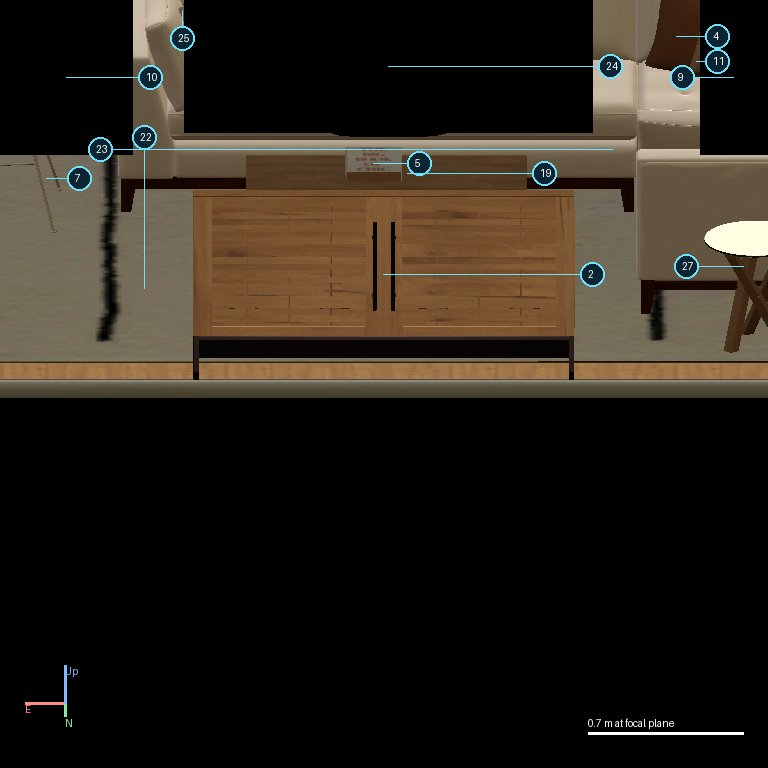
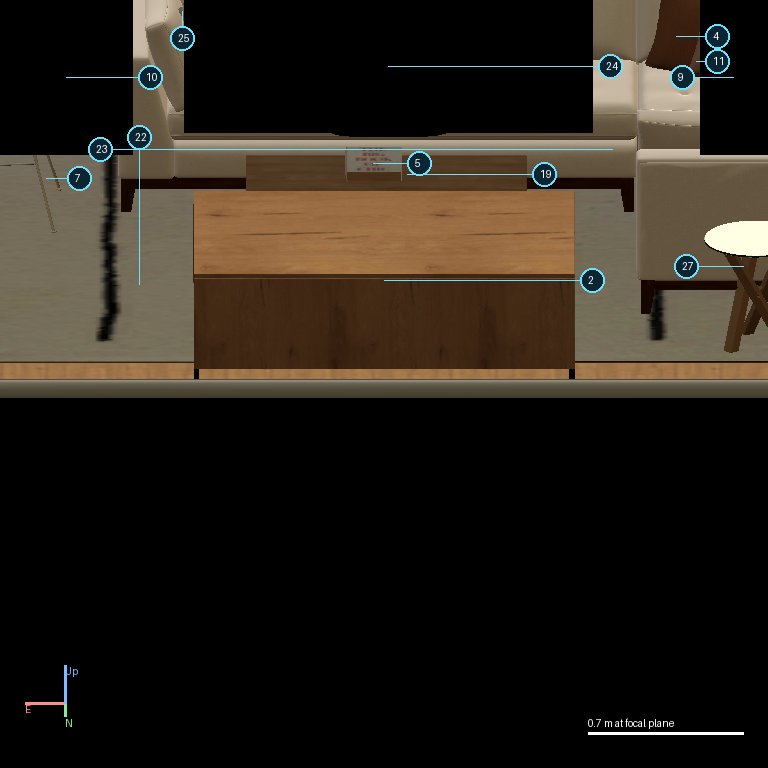
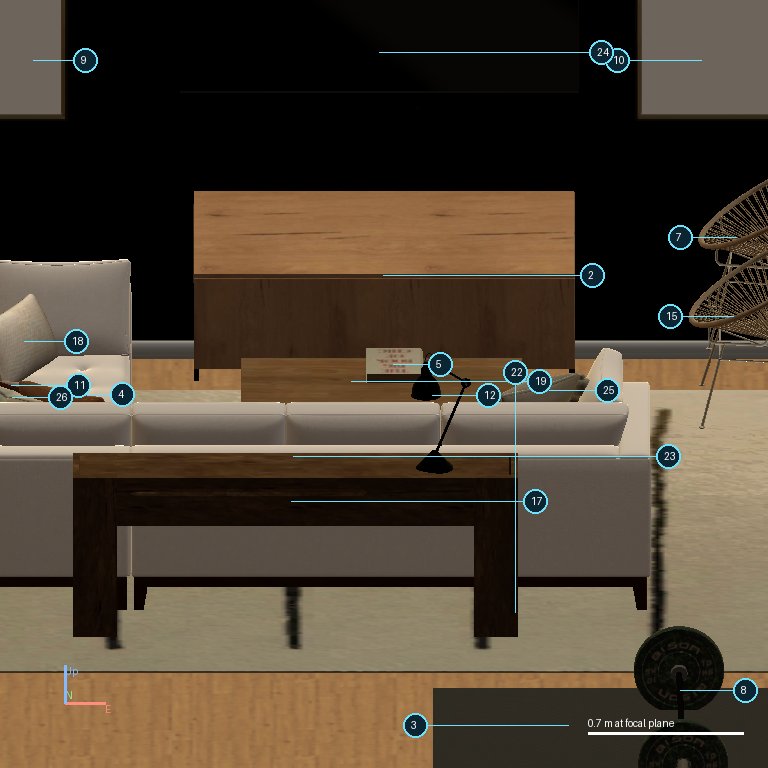
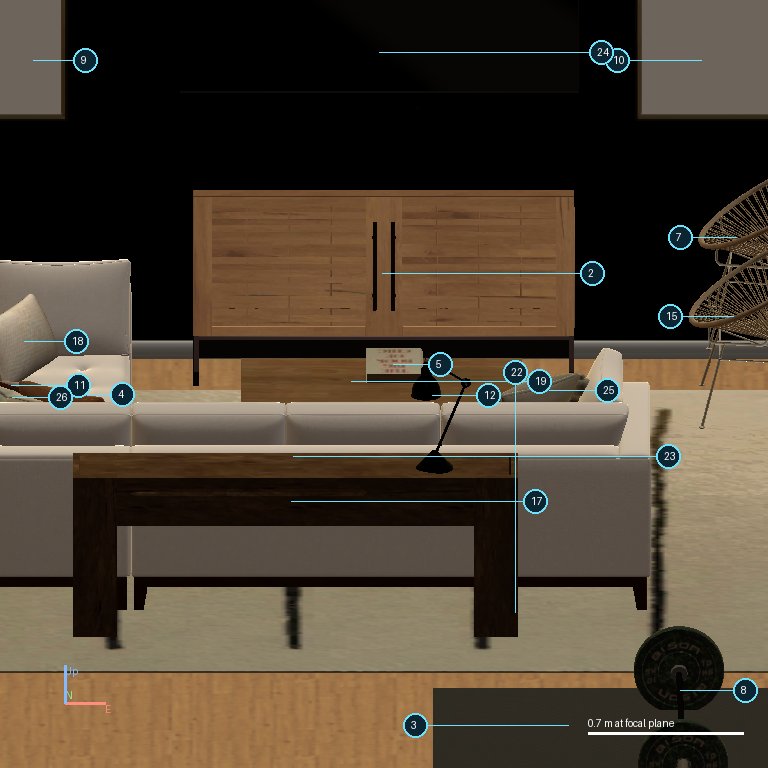
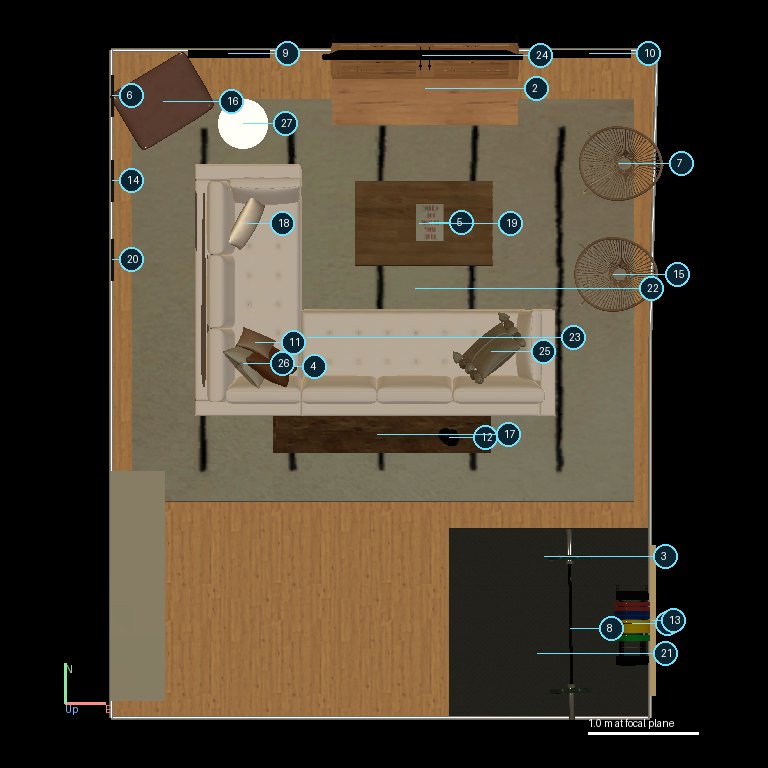
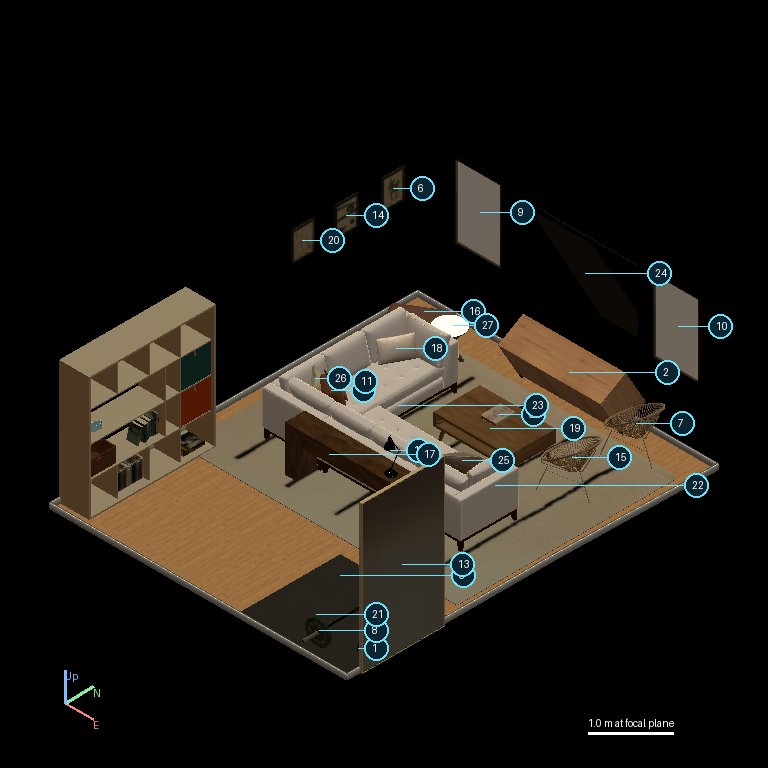
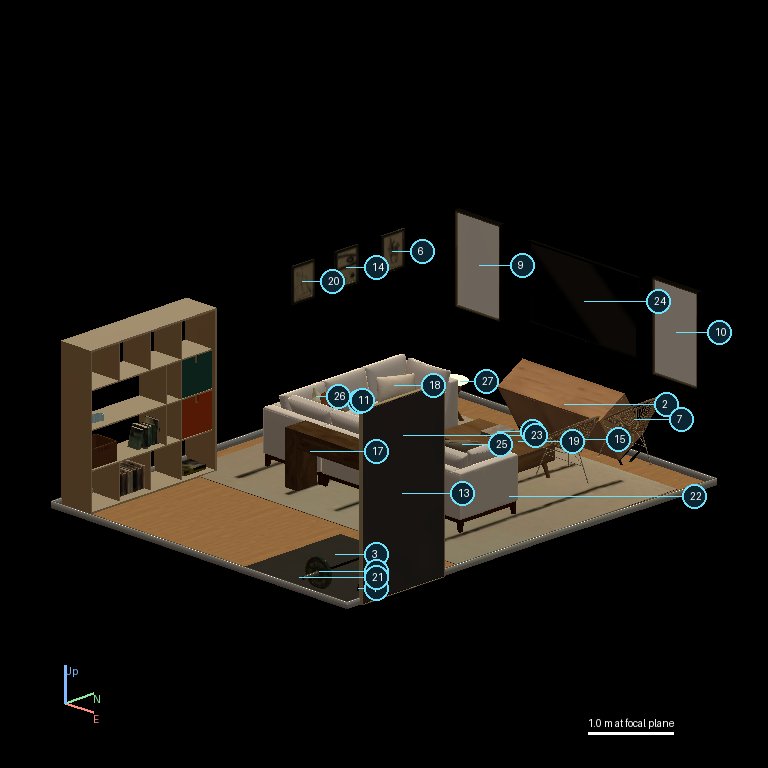
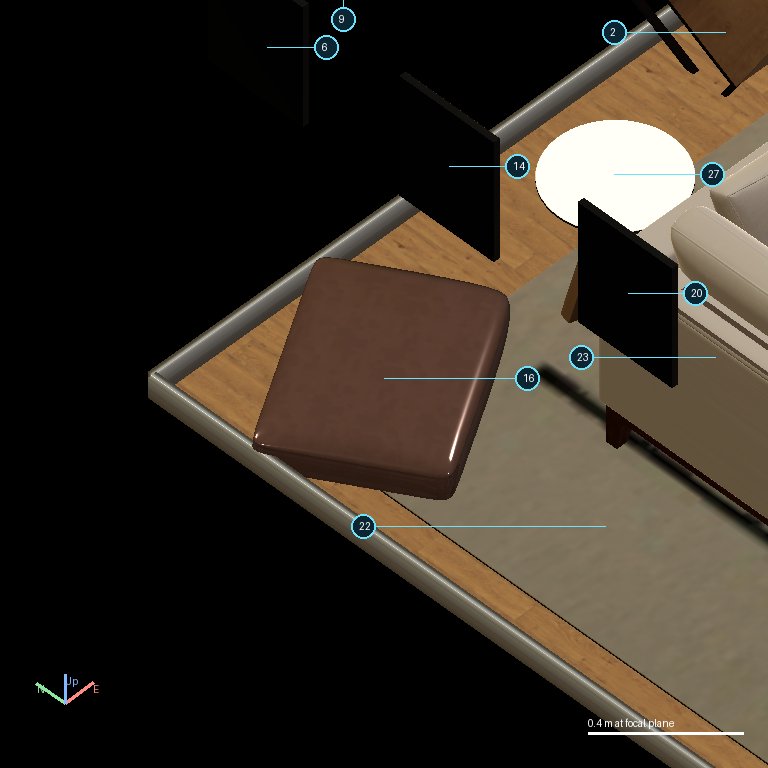
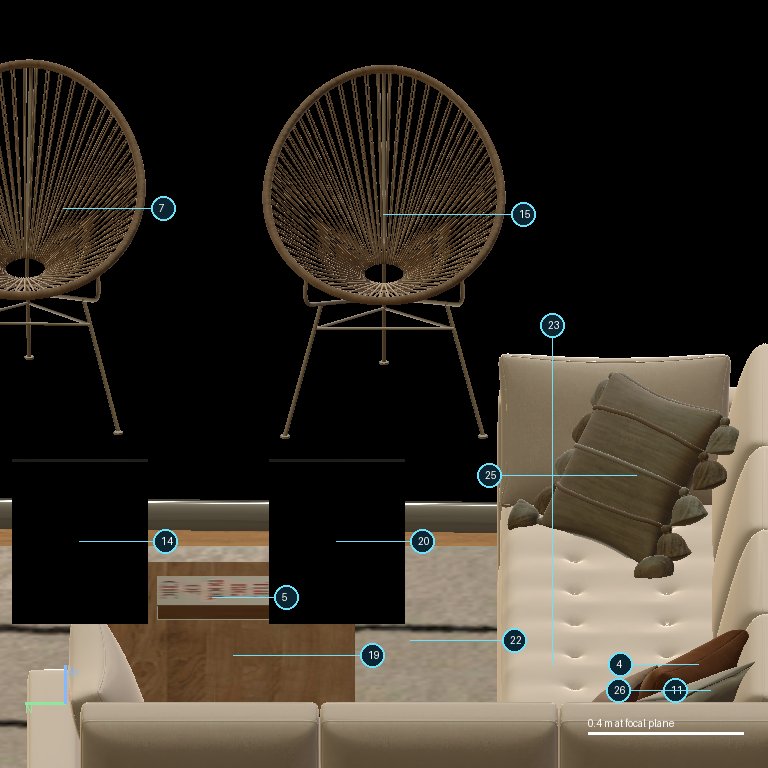
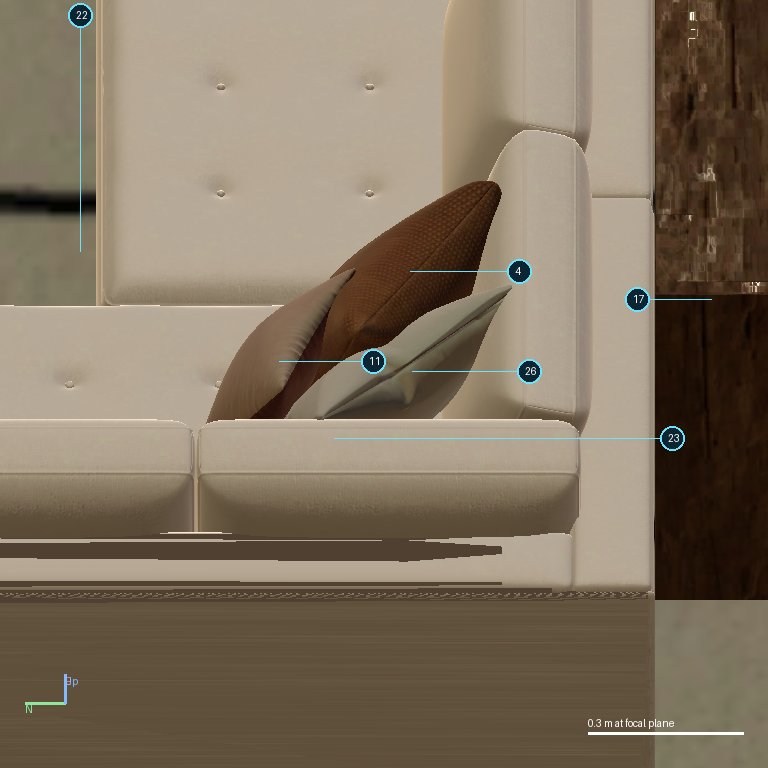
The same living room: the side table (2) is tilted sideways (a roll fault). Kimi spends 13 views looking around the room. It looks at the side table twice, both times from 20 degrees up and straight from the front (south) or the back (north). The table is tilted sideways, so from the front or back it looks upright. Kimi never looks from the side or at floor level. It then turns the table 180 degrees on the spot (the wrong axis), checks from the same front angle, sees nothing wrong, and finishes. The table is still tilted. DeepSeek and GPT 5.6 Sol made the same 180-degree turn in this scene.

Why it failed

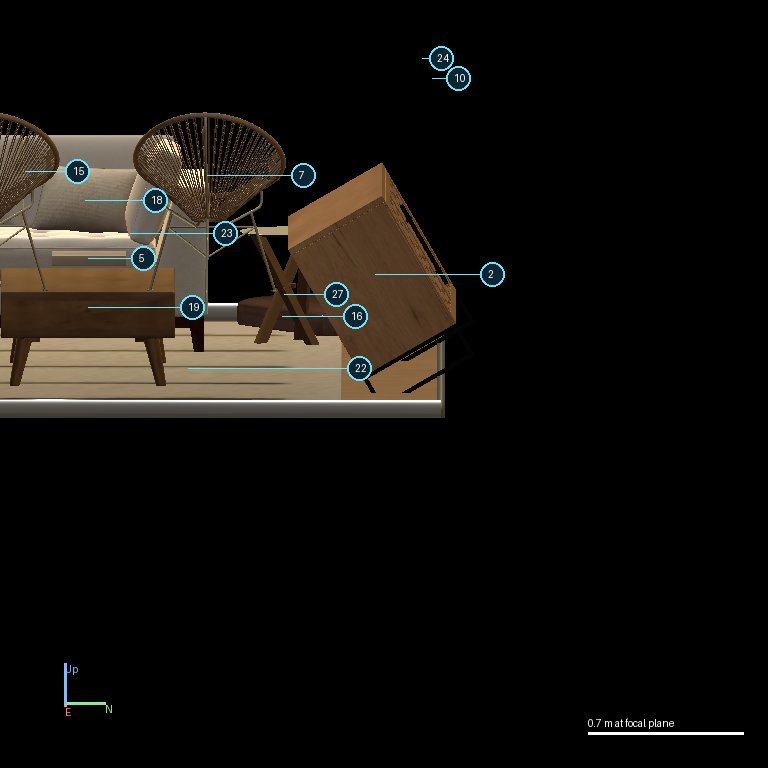
The side table is tilted sideways, about the north-south axis. That kind of tilt shows from the east or west side, not from the front or back. Kimi only ever looked at the table from the south and the north, from 20 degrees up, so the table looked upright, and it turned the table around instead of rolling it back. GPT-6's level view from the east (left) shows the same table plainly tilted.

What the faulty object looks like, and what the model looked at
the side table from the east, level (from GPT-6's run of the same scene, before any edit): plainly tilted
Kimi's own view of the same table from the south at 20 degrees (step 8): from the front it looks upright
Kimi's check after turning the table 180 degrees (step 15): the same front angle, still showing nothing; the tilt remains

All images are from the runs themselves: the left one from the strong model's run of the same scene before any edit, the others from this model's own run.

From the run's records
Key moments
the instruction
Inspect the images, find the object with an error and repair it. Leave correct objects unchanged.
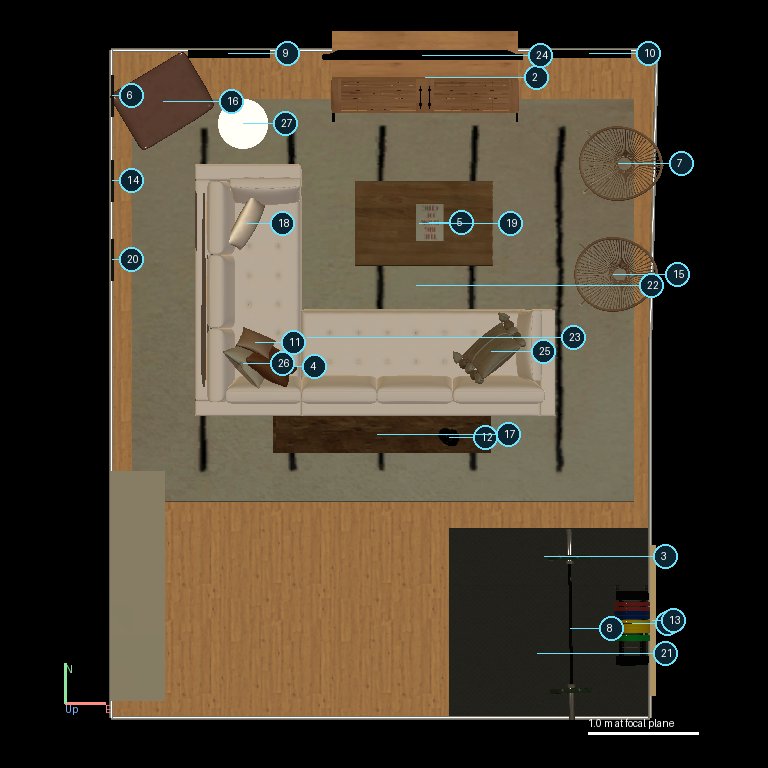
The starting view (what Kimi K3.1 Pro saw before its first call)
step 0, image 1
image 1
step 0, image 2
image 2
Every step at a glance (click to jump; key moments are outlined)
12345678910111213141516
n close look, 20 degrees or lowern other lookn edit or other tooln finish / answern key moment

Each box is one tool call. Left: the images that call returned, which are what Kimi K3.1 Pro looked at before its next call (a camera call returns the view it asked for; an edit returns fresh images of the result). Right: its visible text if any, the call and its text result. Hidden reasoning is not shown. Images are the files saved during the run, re-encoded as JPEG; click for full size.

Step 1: observe_scene

What this call returned (the images Kimi K3.1 Pro saw next)
step 1, image 1
image 1
step 1, image 2
image 2
Tool call
observe_scene {"bearing": 135, "elevation": 20, "zoom": "wide", "focus": "S"}
What came back
{"success": true, "status": "observe_scene", "note": "see the attached images"}

Step 2: observe_scene

What this call returned (the images Kimi K3.1 Pro saw next)
step 2, image 1
image 1 unchanged since step 1
step 2, image 2
image 2
Tool call
observe_scene {"bearing": 180, "elevation": 45, "zoom": "close", "focus": "object_25"}
What came back
{"success": true, "status": "observe_scene", "note": "see the attached images"}

Step 3: observe_scene

What this call returned (the images Kimi K3.1 Pro saw next)
step 3, image 1
image 1 unchanged since step 1
step 3, image 2
image 2
Tool call
observe_scene {"bearing": 315, "elevation": 20, "zoom": "wide", "focus": "S"}
What came back
{"success": true, "status": "observe_scene", "note": "see the attached images"}

Step 4: observe_scene

What this call returned (the images Kimi K3.1 Pro saw next)
step 4, image 1
image 1 unchanged since step 1
step 4, image 2
image 2
Tool call
observe_scene {"bearing": 225, "elevation": 45, "zoom": "close", "focus": "object_16"}
What came back
{"success": true, "status": "observe_scene", "note": "see the attached images"}

Step 5: observe_scene

What this call returned (the images Kimi K3.1 Pro saw next)
step 5, image 1
image 1 unchanged since step 1
step 5, image 2
image 2
Tool call
observe_scene {"bearing": 270, "elevation": 20, "zoom": "close", "focus": "object_15"}
What came back
{"success": true, "status": "observe_scene", "note": "see the attached images"}

Step 6: observe_scene

What this call returned (the images Kimi K3.1 Pro saw next)
step 6, image 1
image 1 unchanged since step 1
step 6, image 2
image 2
Tool call
observe_scene {"bearing": 270, "elevation": 45, "zoom": "close", "focus": "object_4"}
What came back
{"success": true, "status": "observe_scene", "note": "see the attached images"}

Step 7: observe_scene

What this call returned (the images Kimi K3.1 Pro saw next)
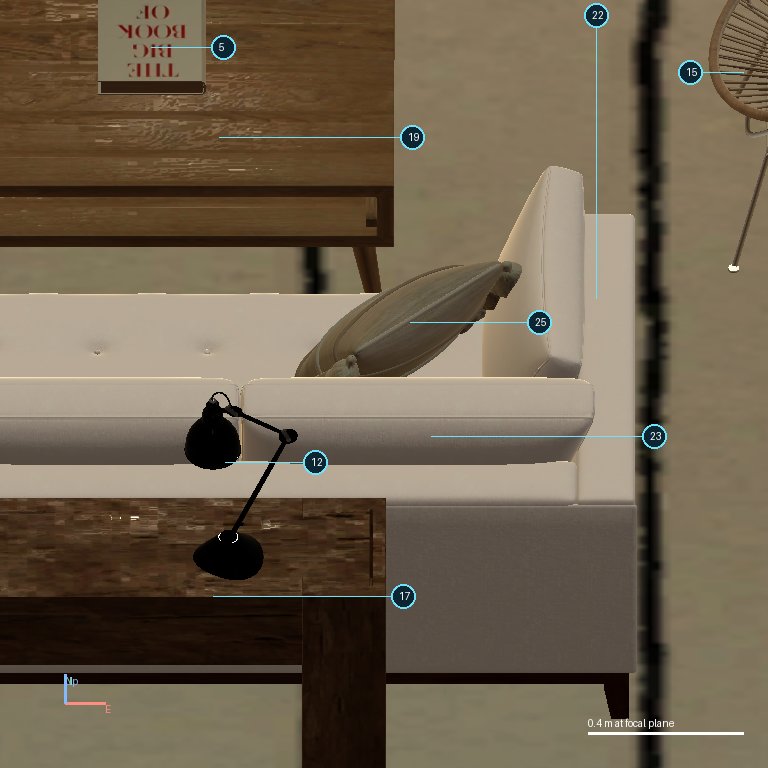
step 7, image 1
image 1 unchanged since step 1
step 7, image 2
image 2
Tool call
observe_scene {"bearing": 180, "elevation": 45, "zoom": "close", "focus": "object_1"}
What came back
{"success": true, "status": "observe_scene", "note": "see the attached images"}

Step 8: observe_scene

What this call returned (the images Kimi K3.1 Pro saw next)
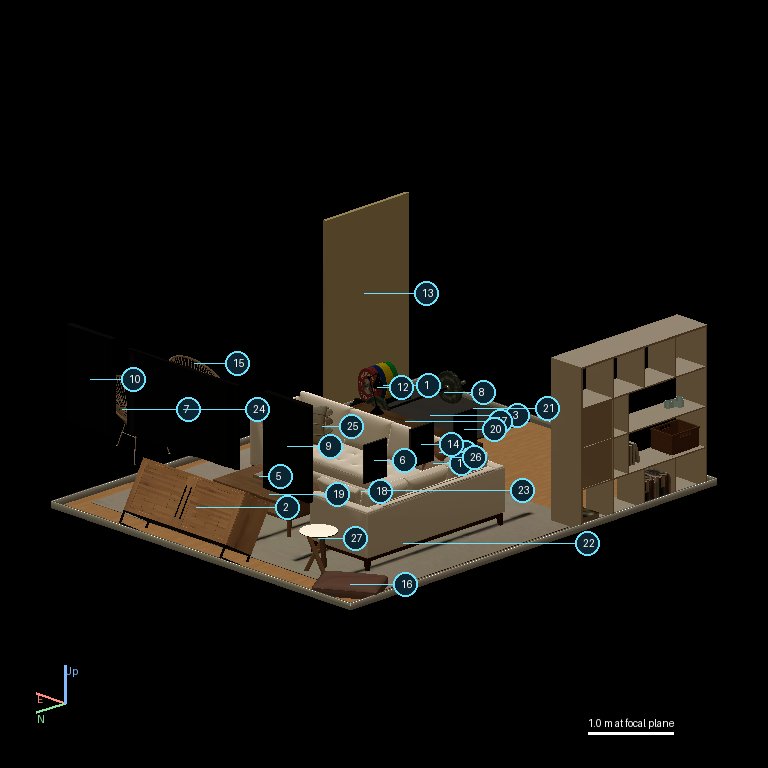
step 8, image 1
image 1 unchanged since step 1
step 8, image 2
image 2
Key moment. First look at the side table, from the south at 20 degrees: from the front the sideways tilt does not show.
Tool call
observe_scene {"bearing": 180, "elevation": 20, "zoom": "close", "focus": "object_2"}
What came back
{"success": true, "status": "observe_scene", "note": "see the attached images"}

Step 9: observe_scene

What this call returned (the images Kimi K3.1 Pro saw next)
step 9, image 1
image 1 unchanged since step 1
step 9, image 2
image 2
Tool call
observe_scene {"bearing": 135, "elevation": 20, "zoom": "close", "focus": "object_13"}
What came back
{"success": true, "status": "observe_scene", "note": "see the attached images"}

Step 10: observe_scene

What this call returned (the images Kimi K3.1 Pro saw next)
step 10, image 1
image 1 unchanged since step 1
step 10, image 2
image 2
Tool call
observe_scene {"bearing": 135, "elevation": 20, "zoom": "close", "focus": "object_27"}
What came back
{"success": true, "status": "observe_scene", "note": "see the attached images"}

Step 11: observe_scene

What this call returned (the images Kimi K3.1 Pro saw next)
step 11, image 1
image 1 unchanged since step 1
step 11, image 2
image 2
Tool call
observe_scene {"bearing": 90, "elevation": 20, "zoom": "close", "focus": "object_6"}
What came back
{"success": true, "status": "observe_scene", "note": "see the attached images"}

Step 12: observe_scene

What this call returned (the images Kimi K3.1 Pro saw next)
step 12, image 1
image 1 unchanged since step 1
step 12, image 2
image 2
Tool call
observe_scene {"bearing": 90, "elevation": 20, "zoom": "close", "focus": "object_14"}
What came back
{"success": true, "status": "observe_scene", "note": "see the attached images"}

Step 13: observe_scene

What this call returned (the images Kimi K3.1 Pro saw next)
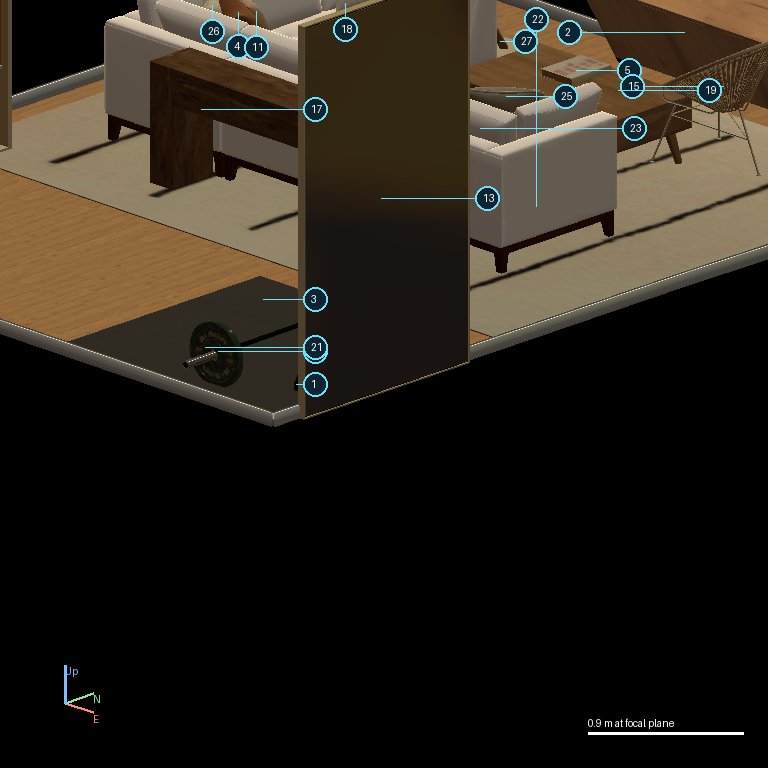
step 13, image 1
image 1 unchanged since step 1
step 13, image 2
image 2
Key moment. Second look, from the north: again straight along the tilt, so the table looks upright again.
Tool call
observe_scene {"bearing": 0, "elevation": 20, "zoom": "close", "focus": "object_2"}
What came back
{"success": true, "status": "observe_scene", "note": "see the attached images"}

Step 14: rotate

What this call returned (the images Kimi K3.1 Pro saw next)
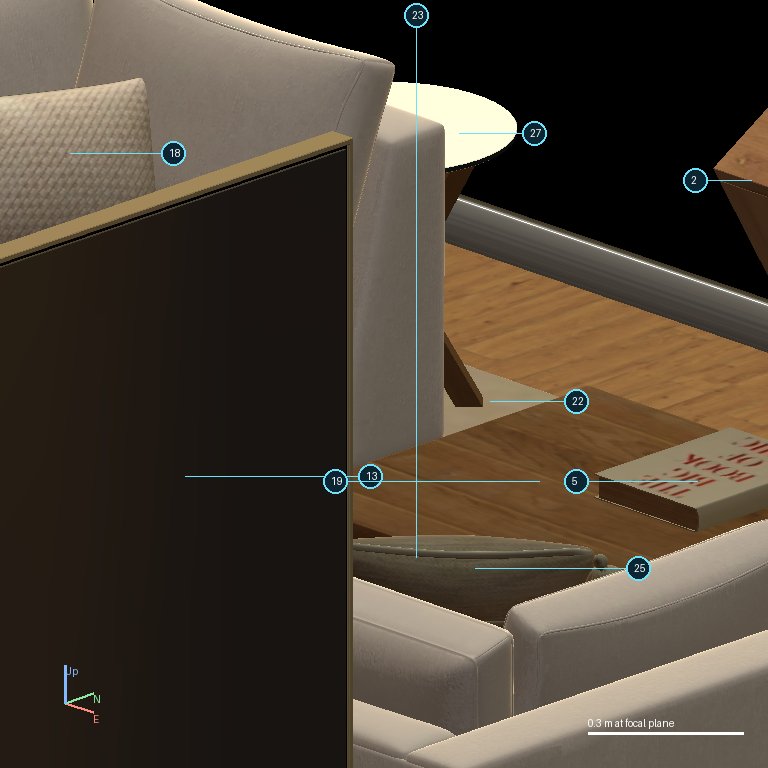
step 14, image 1
image 1
step 14, image 2
image 2
Key moment. Turns the table 180 degrees about the vertical axis: the wrong axis for a sideways tilt.
Tool call
rotate {"object_id": "object_2", "axis": "yaw", "degrees": 180}
What came back
{"success": true, "status": "rotate", "object_id": "object_2", "axis": "yaw", "degrees": 180.0}

Step 15: observe_scene

What this call returned (the images Kimi K3.1 Pro saw next)
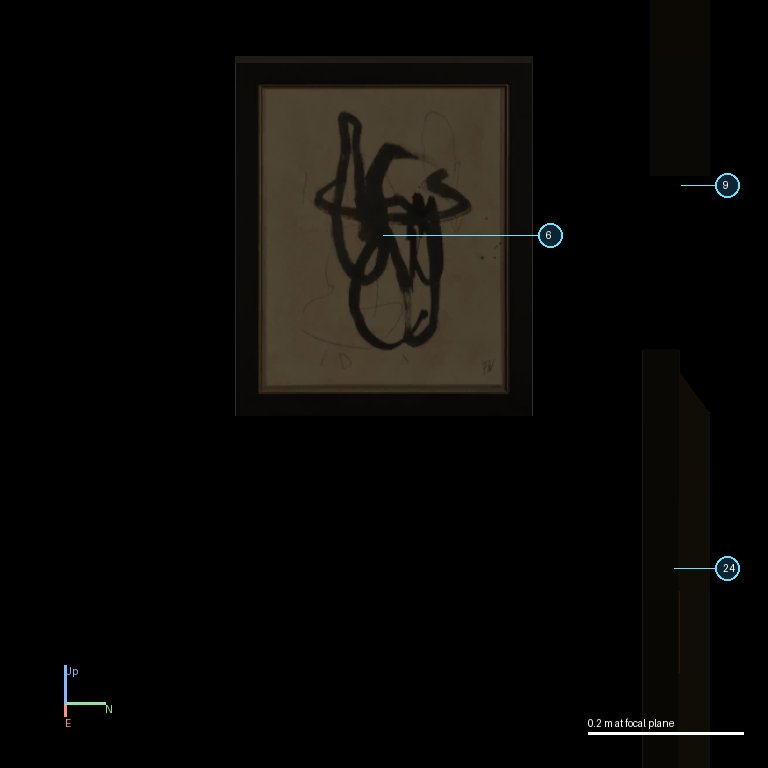
step 15, image 1
image 1 unchanged since step 14
step 15, image 2
image 2
Key moment. Checks from the same front angle as before, which still cannot show the tilt.
Tool call
observe_scene {"bearing": 180, "elevation": 20, "zoom": "close", "focus": "object_2"}
What came back
{"success": true, "status": "observe_scene", "note": "see the attached images"}

Step 16: finish

no images after this call (the episode ended)
Key moment. Finishes. The tilt is unchanged.
Tool call
finish {}
What came back
{"success": true, "status": "finish", "stopped": true}